
Free Trial
Added on Nov 18,2023
Aftershoot is a cutting-edge photo culling software engineered to transform the image selection process for photographers and image professionals.
This robust tool automatically identifies and rates the top photos in a collection, streamlining the selection and export of final images.
Use Cases:
Efficient Selection: Automatically identifies and rates the best images within a collection.
Time-Saving: Streamlines the image selection process, saving significant time for photographers.
Enhanced Workflow: Facilitates quicker and more efficient curation of final images for export.
Professional Quality: Ensures the selection of top-quality images, enhancing the overall output.
By the PowerfulAI.tools Editorial Team · Updated 22 October 2026 · Researched with AI assistance and checked against the official Aftershoot website · How we review tools
The complete workflow with unlimited culling, editing and retouching starts at $45/month billed annually; AI Culling starts at $10/month, AI Editing at $30/month and AI Retouching at $20/month, with a 30-day free trial and no credit card needed.
Pricing checked against the official Aftershoot website in October 2026. Prices can change, so confirm before you buy.
Wedding, event, school and portrait photographers who want to cull, edit and retouch whole shoots in their own style and deliver galleries to clients.
No. Aftershoot works offline and your files stay on your own machine, so no internet connection is needed after download.
No. Pricing is a flat subscription rather than per-image fees, so you can process as many photos as you like on your plan.
Popular alternatives to Aftershoot include Magic Studio, EzMaker AI Background Remover and Old Photo AI. Compare their pricing and what each is best for below.
| Tool | Pricing | Best for |
|---|---|---|
| Magic Studio | Freemium | Professionals and small teams who need quick AI headshots for LinkedIn or company websites, plus simple photo clean-up l... |
| EzMaker AI Background Remover | Freemium | Online sellers and social media creators who need quick transparent cutouts of product photos and portraits. |
| Old Photo AI | Freemium | Families and genealogy hobbyists who want to bring old portrait photos to life as short animated clips. |
| Retouch4me | Freemium | Portrait, wedding and studio photographers who retouch large batches of skin and portrait shots and want it done inside... |
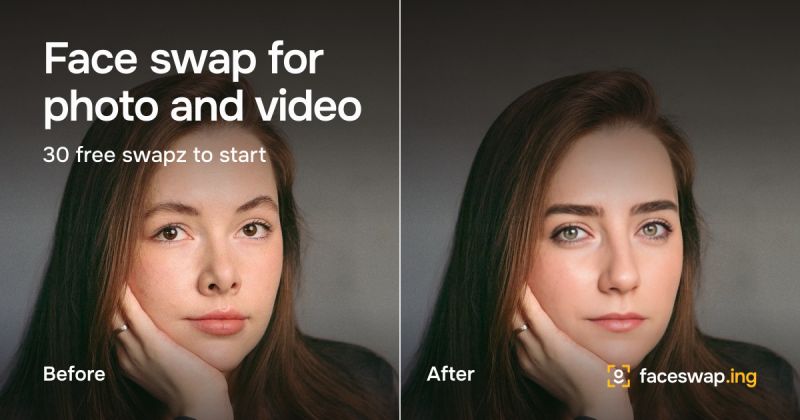
| Face Swap by Remaker | Free | People making light-hearted or creative photo edits, such as swapping faces in group shots to fix a blinking eye. |
Own Aftershoot? Add this badge to your website.

Leave a review for the community
No Review Found












Already a member? The same buttons sign you in.
We'll email you a 6-digit code. No password needed. By continuing you agree to our Privacy Policy.
We sent a 6-digit code to . It expires in 10 minutes.
No email? Check your spam folder, or ·

