
Free
Added on Mar 05,2024
Screenshot to Code is a cutting-edge tool that leverages the power of GPT-4 Vision and DALL·E 3 to transform screenshots into functional HTML and Tailwind CSS code.
Whether you're a web developer, designer, or just looking to streamline your workflow, Screenshot to Code offers a revolutionary solution for converting design concepts into code with unparalleled accuracy and efficiency.
With its advanced AI capabilities, Screenshot to Code can interpret complex visual layouts and generate clean, responsive code that is ready to use in your projects.
Use Cases:
Design to Code Conversion: Screenshot to Code simplifies the process of converting design mockups and prototypes into code, saving developers time and effort.
Responsive Design: The tool generates code that is responsive and adapts to different screen sizes, ensuring a consistent user experience across devices.
Fast Prototyping: Screenshot to Code accelerates the prototyping process, allowing designers to quickly turn their ideas into interactive web pages.
Code Quality: The generated code is clean, well-structured, and follows best practices, ensuring high-quality output that is easy to maintain and modify.
Tailwind CSS Integration: Screenshot to Code supports Tailwind CSS, a utility-first CSS framework, making it easy to incorporate the generated code into Tailwind projects.
Visual Recognition: The tool can recognize various design elements, such as buttons, forms, and navigation menus, and generate corresponding code.
See the best Screenshot to Code alternatives →
By the PowerfulAI.tools Editorial Team · Updated 20 October 2026 · Researched with AI assistance and checked against the official Screenshot to Code website · How we review tools
Screenshot to Code is open source under the MIT licence and can be run locally using your own API keys for model providers (OpenAI, Anthropic, Gemini and Replicate). A hosted app is also available at screenshottocode.com. Check the official pricing page for current prices.
Pricing checked against the official Screenshot to Code website in October 2026. Prices can change, so confirm before you buy.
Front-end developers and designers who want a quick first-pass codebase from a screenshot or mockup.
Yes. You run a FastAPI backend and a React and Vite frontend locally, or use docker-compose.
The README recommends adding a Gemini key, since it extracts real assets from screenshots, plus a Replicate key for image generation.
Popular alternatives to Screenshot to Code include Llama Coder, Codeium and ZCode. Compare their pricing and what each is best for below.
| Tool | Pricing | Best for |
|---|---|---|
| Llama Coder | Free | Developers and non-coders who want to prototype small web apps from a text description and then inspect or reuse the gen... |
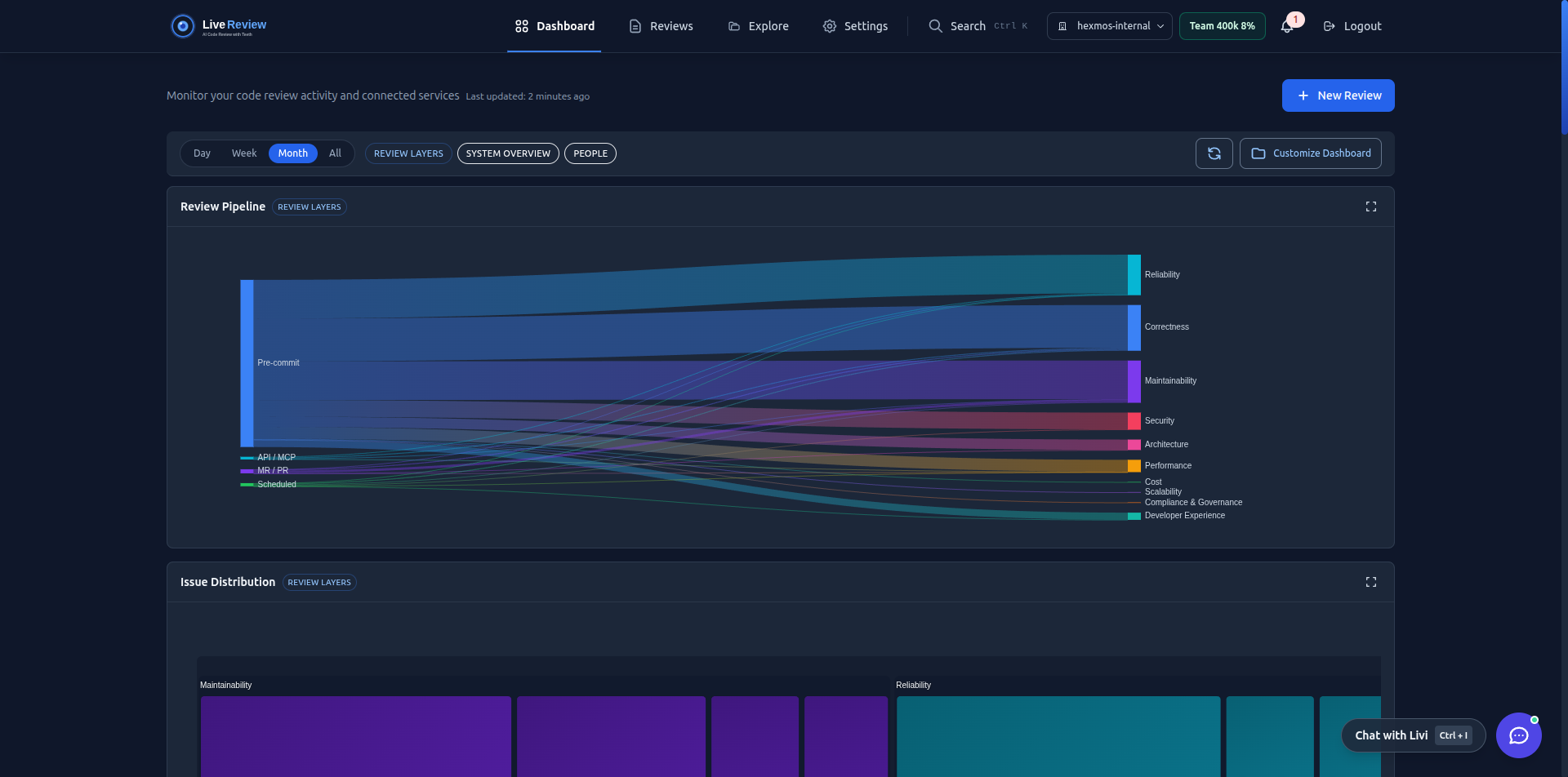
| Codeium | Freemium | Software developers and engineering teams who want AI code completion in their editor plus one place to run, monitor and... |
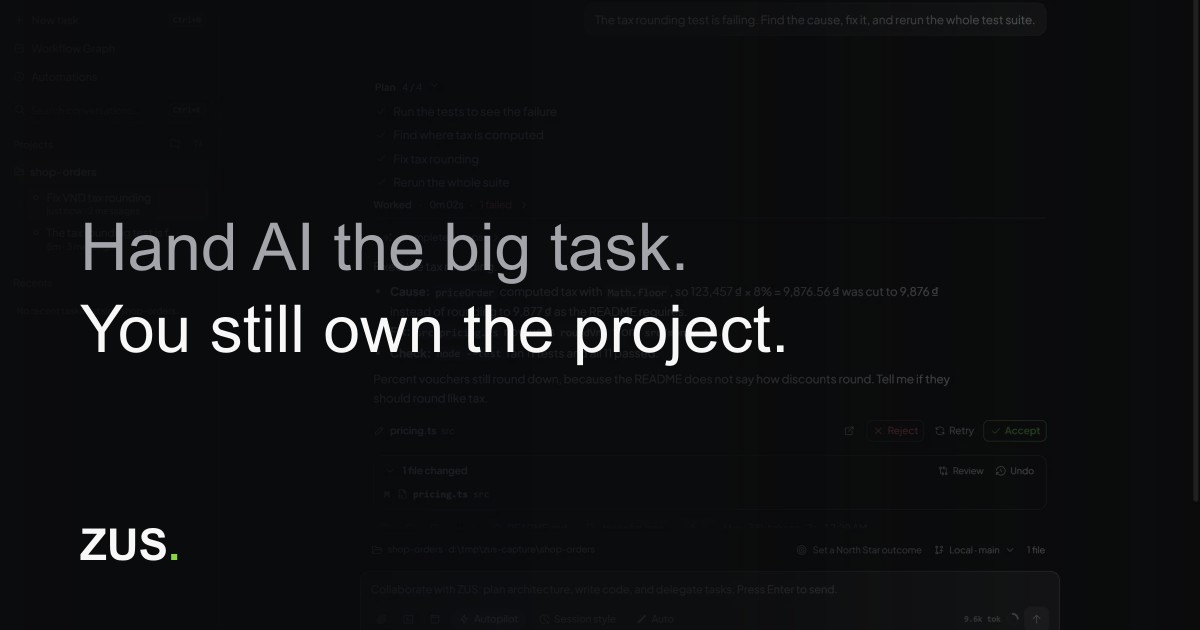
| ZCode | Paid | Developers who want AI agents built into their development workflow. |
| GitHub Copilot | Freemium | Developers and engineering teams who want AI completion, chat and background agents inside their editor and GitHub workf... |
| Amazon CodeWhisperer | Freemium | Developers working in AWS-heavy projects who want in-IDE code suggestions, security scanning and help with architecture... |
Own Screenshot to Code? Add this badge to your website.

Leave a review for the community
No Review Found





Already a member? The same buttons sign you in.
We'll email you a 6-digit code. No password needed. By continuing you agree to our Privacy Policy.
We sent a 6-digit code to . It expires in 10 minutes.
No email? Check your spam folder, or ·

