Free
Added on Nov 11,2026
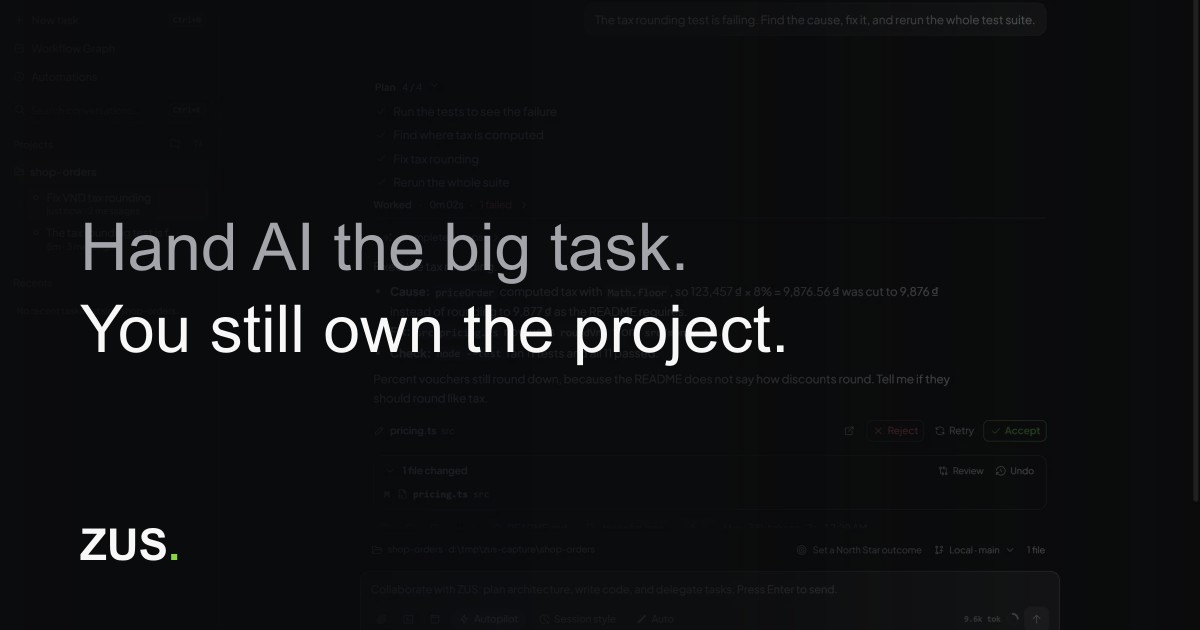
ZUS is a desktop IDE with an AI agent built in. You hand the agent a larger coding task, and it reads your codebase, plans, edits files and runs commands within the permissions you set, while you stay in control of the project.
It offers three autonomy levels: ask before every action, edit files on its own, or Autopilot inside the workspace. A task you want kept separate runs in its own worktree, so it does not interfere with your main work.
Runs pause at approval gates that you define. At each gate you can let the agent continue or send it back with a note so it changes course.
Every task keeps its own technical state. The summary lists the original request, the steps that ran, your gate decisions, test results and what is still waiting for you, so you can pick up a task without rereading the chat. If an agent turn hits a model limit, it pauses instead of failing and ZUS asks whether to continue once the model is available again.
Key features include per-turn change lists that can restore files to how they were before that turn, with undo writing back the exact previous bytes even after you reopen ZUS. You read every diff before keeping it, and a Team Inspector shows each subagent's tool calls.
Your project index and history stay on your machine, and you connect your own AI provider. The Windows installer is about 22 MB, and builds are offered for Windows x64, macOS Apple Silicon and Linux x64. The interface will feel familiar to VS Code users.
Pricing: ZUS is free and you bring your own AI provider. Access is currently through an early-access waitlist.
It is suited to solo developers and engineering teams who want an agentic coding tool that keeps human review, approval gates and local control of their code.
By the PowerfulAI.tools Editorial Team · Updated 11 November 2026 · Researched with AI assistance and checked against the official ZUS website · How we review tools
ZUS itself is free; you connect your own AI provider and pay that provider directly at its own prices.
Pricing checked against the official ZUS website in November 2026. Prices can change, so confirm before you buy.
Developers who want an AI coding agent in a lightweight desktop IDE where every change, test result and network request can be audited and undone.
ZUS has builds for Windows x64, macOS on Apple Silicon and Linux x64 as .deb, .rpm or AppImage. The 1.7.7 Windows installer is about 20 MB.
Run records, knowledge documents, the code index and session history stay local. ZUS servers handle your account, quota and model settings, while prompts and needed context go to the model service.
The interface is offered in English and Vietnamese, though some newer inspection panes are English only.
Popular alternatives to ZUS include Llama Coder, Codeium and GitHub Copilot. Compare their pricing and what each is best for below.
| Tool | Pricing | Best for |
|---|---|---|
| Llama Coder | Free | Developers and non-coders who want to prototype small web apps from a text description and then inspect or reuse the gen... |
| Codeium | Freemium | Software developers and engineering teams who want AI code completion in their editor plus one place to run, monitor and... |
| GitHub Copilot | Freemium | Developers and engineering teams who want AI completion, chat and background agents inside their editor and GitHub workf... |
| Screenshot to Code | Free | Front-end developers and designers who want a quick first-pass codebase from a screenshot or mockup. |
| ZCode | Paid | Developers who want AI agents built into their development workflow. |
Own ZUS? Add this badge to your website.

Leave a review for the community
No Review Found