
Freemium
Added on Nov 26,2026
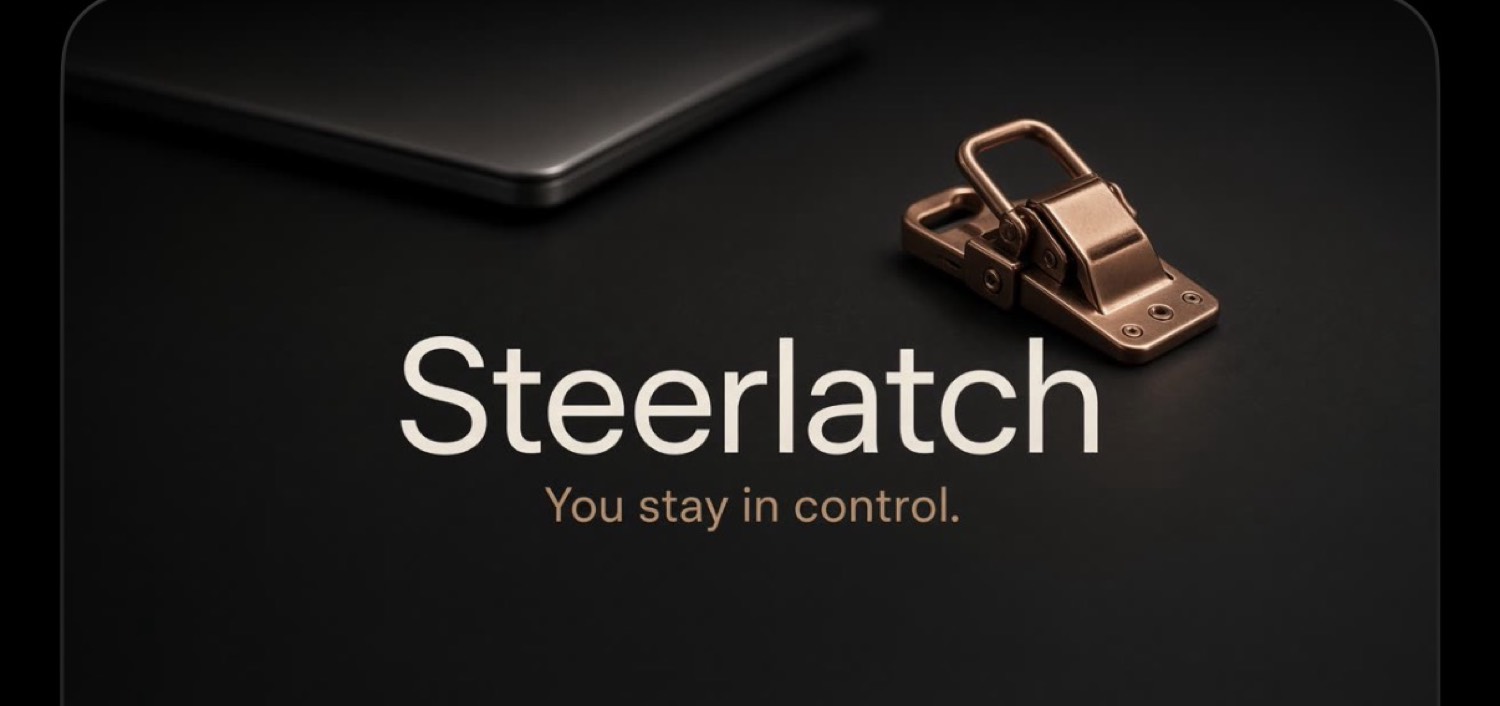
SteerLatch is a connector that lets MCP-compatible AI assistants act on your Mac and Windows computers. Once it is added, assistants such as ChatGPT, Claude, Gemini, Grok or Antigravity can open, search, write and click on the computers you authorise.
It works with the free plans of ChatGPT, Claude, Gemini and Grok, so no paid AI subscription is required. One assistant can work across several computers, and several assistants can use the same computer, each with your consent.
You install the desktop agent on each Mac or Windows PC, and it carries out actions only within the permissions you grant. Each AI can be given its own rights and access duration, and you can remove an AI or a computer at any time.
Key features include file and desktop actions, controlled terminal commands, screenshots to read what is on screen, consent on each machine, a STOP button that halts everything, and revocable access. After local setup you can also control a paired PC from a phone or browser.
The SteerLatch Context Hub shares project memory and messages across different AI assistants. Example requests include sorting a downloads folder by type, finding and summarising a bill, renaming photos by date, explaining an error on screen and building an expenses spreadsheet from invoices.
Official apps are available on the Microsoft Store for Windows and the Apple App Store for an iPhone companion that shows your computers, offers STOP and opens your dashboard.
Pricing: a free plan includes a 3-month trial with 3 computers and 5,000 MCP calls per month with no card, then stays free with 1 computer and 1,000 calls per month. Personal Standard is 12.99 euros per month, Personal Plus is 19.99 euros per month and Team is 25 euros per seat per month.
It is suited to people and small teams who want their existing AI assistant to handle tasks on their own computers while keeping control over access.
Popular alternatives to SteerLatch include Voilà, Hiding AI and Loopa. Compare their pricing and what each is best for below.
| Tool | Pricing | Best for |
|---|---|---|
| Voilà | Freemium | Professionals who read and write a lot online and want an AI assistant for email, summaries and rewrites inside the brow... |
| Hiding AI | Free Trial | Job seekers and remote workers who want discreet AI notes, transcripts and answers on their desktop during video calls. |
| Loopa | Freemium | Busy professionals and founders who want to hand everyday tasks to AI agents from one place. |
| SaveDay | Freemium | Researchers, students and heavy readers who save lots of articles and videos and want to find them later by describing w... |
| Flowith | Freemium | Creators and knowledge workers who prefer a visual canvas over a linear chat for working with several AI models. |
Own SteerLatch? Add this badge to your website.

Leave a review for the community
No Review Found










Already a member? The same buttons sign you in.
We'll email you a 6-digit code. No password needed. By continuing you agree to our Privacy Policy.
We sent a 6-digit code to . It expires in 10 minutes.
No email? Check your spam folder, or ·

