Freemium
Added on Nov 06,2026
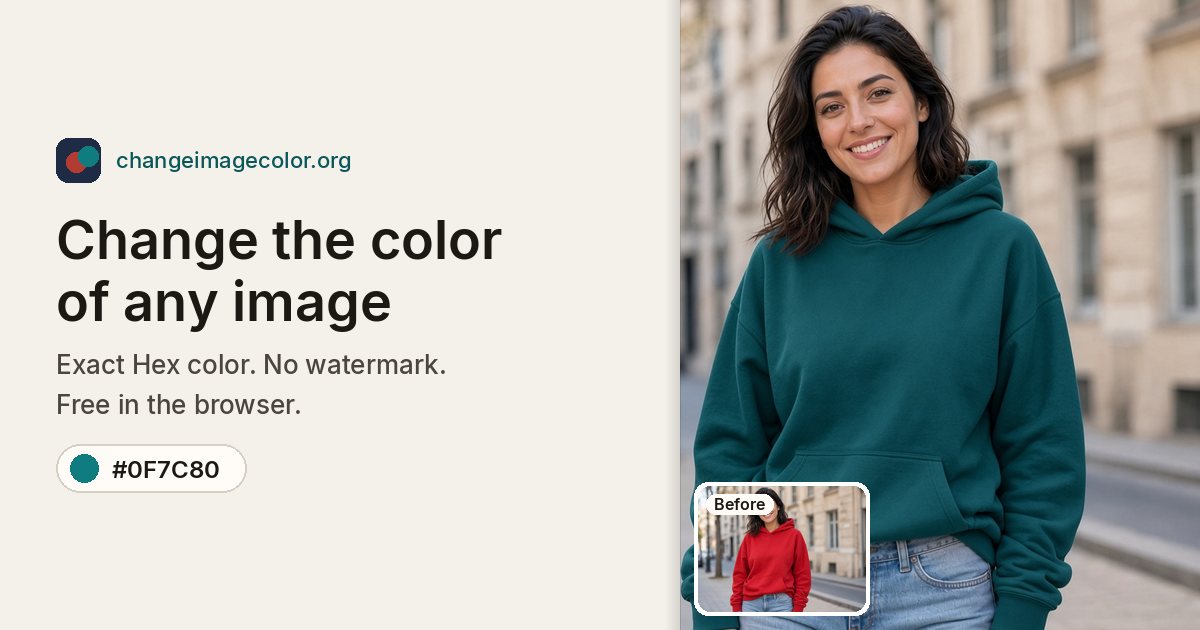
Change Image Color is an online tool that recolours a selected area of a photo to an exact Hex colour, with an optional AI Refine edit. You click an area, set the colour, and download the file with no watermark.
It works in three steps. You open a JPG, PNG or WebP image up to 25 MB, click the shirt, wall, car body or logo shape you want to change, then set the colour with the picker or paste a Hex code.
The standard recolour runs in your browser on your device, so the image does not need to be uploaded. It is a pixel recolour rather than a generative repaint, so texture, highlights and shadows are kept and the rest of the picture is left alone.
AI Refine is a separate edit of the same selection. It sends the picture and the selection to the server for one edit, then finishes the exact colour in the browser.
Key features include exact Hex colour matching, no sign-up for the free recolour, free PNG export with the long edge up to 1600 pixels, and HD export at the original size. The site also has a page for changing logo colours. The current version does not recolour hair.
Pricing: local recolour is free and unlimited with no watermark, and sign-up adds 5 credits, enough for 1 AI Refine. Pro is $9.90 a month (or $7.91 a month billed yearly) with unlimited HD export and credits for AI Refine, Max is $29.90 a month, and credit packs that never expire are also available.
It is suited to online sellers making product colour variants, people trying clothing colours, homeowners previewing wall paint, car colour mock-ups, and designers matching brand colours.
By the PowerfulAI.tools Editorial Team · Updated 6 November 2026 · Researched with AI assistance and checked against the official Change Image Color website · How we review tools
Local recolouring is free and unlimited; Pro costs $9.90 per month ($7.91 per month billed yearly) and Max costs $29.90 per month ($23.91 per month billed yearly).
Pricing checked against the official Change Image Color website in November 2026. Prices can change, so confirm before you buy.
Online sellers and designers who need to show a product, garment, wall or logo in an exact brand colour without opening a desktop editor.
Yes. You can upload from your camera roll, tap the area, enter the Hex code and download, all in a phone browser.
Credit pack credits never expire. Monthly plan credits last 30 days, while a yearly plan grants all its credits up front and they last 365 days.
Popular alternatives to Change Image Color include Magic Studio, Old Photo AI and Retouch4me. Compare their pricing and what each is best for below.
| Tool | Pricing | Best for |
|---|---|---|
| Magic Studio | Freemium | Professionals and small teams who need quick AI headshots for LinkedIn or company websites, plus simple photo clean-up l... |
| Old Photo AI | Freemium | Families and genealogy hobbyists who want to bring old portrait photos to life as short animated clips. |
| Retouch4me | Freemium | Portrait, wedding and studio photographers who retouch large batches of skin and portrait shots and want it done inside... |
| Face Swap by Remaker | Free | People making light-hearted or creative photo edits, such as swapping faces in group shots to fix a blinking eye. |
| PFPMaker | Freemium | People who need a fresh profile picture for LinkedIn, dating or social accounts and want to build it from an existing se... |
Own Change Image Color? Add this badge to your website.

Leave a review for the community
No Review Found