
Free Trial
Added on Nov 25,2026

Clam is an AI-powered permission layer that lets AI agents work inside your Gmail inbox without giving them access to everything in it. Agents see only the messages you allow, and you can see everything they do.
You write rules in plain English for what each agent can read, draft and send, such as reading travel email and drafting replies but never sending. Each set of rules is called a Shell, which is one agent's slice of your inbox. Clam compiles the rules into Cedar policies and runs a deterministic policy check on every request before it reaches Gmail.
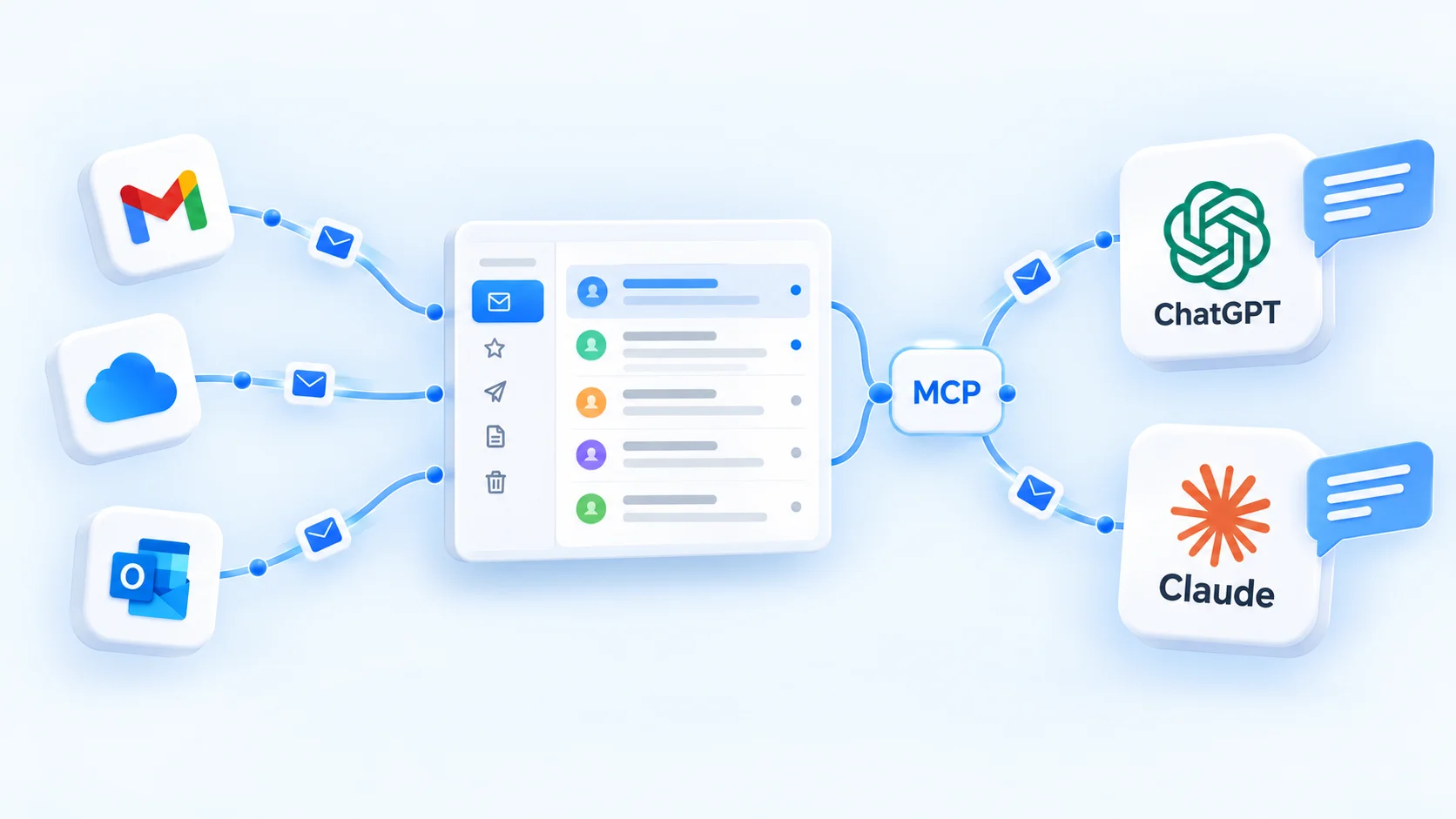
Setup takes four steps: connect Gmail, create a Shell for each agent, install the agent connector to Clam's MCP server, then put the agent to work triaging new mail, summarising long threads, drafting replies and archiving finished messages.
Key features include least-privilege access per agent, automatic classification of email into categories like travel or receipts, approvals for sensitive actions, and a full audit log that records every read, draft and blocked attempt along with the policy rule that decided it.
It works with agents including Claude, ChatGPT, Hermes, Grok, OpenClaw and Gemini CLI, with Muse listed as coming soon. Example Shells include a travel assistant, family organiser, project manager, shopping assistant and expense tracker.
On security, Clam says it stores no email content and proxies requests so Gmail stays the source of truth. Google tokens are held by its authentication provider, data is encrypted at rest with AES-256 and traffic uses TLS 1.2 and 1.3. It has a CASA AL1 assessment, with SOC 1 and SOC 2 audits in progress.
Pricing: every account starts with a 14-day free trial of Starter with no credit card. Starter costs 2.99 USD a month for one mailbox and one Shell, and Pro costs 6.99 USD a month for up to 10 Shells per mailbox, more history and more classified emails. Annual billing gives 2 months free.
It is suited to people who want AI assistants to help with their email while keeping control over what those assistants can see and do. Clam opened as a capped Gmail beta in November 2026, with Outlook support and a business version on its roadmap.
Popular alternatives to Clam include Boomerang for Gmail, Gmail AI and ChatGPT Writer. Compare their pricing and what each is best for below.
| Tool | Pricing | Best for |
|---|---|---|
| Boomerang for Gmail | Freemium | Professionals who send outreach and request emails in Gmail and want live feedback on tone and clarity before pressing s... |
| Gmail AI | Free Trial | Google Workspace users who want to summarise long email threads and draft replies without leaving Gmail. |
| ChatGPT Writer | Freemium | Busy professionals who spend hours on email and messages and want AI replies drafted in their own voice inside Gmail and... |
| InboxPro | Freemium | Individuals and small teams who send email from Gmail and want AI-drafted emails, follow-up sequences and built-in meeti... |
| Jace | Free Trial | Busy professionals who want an AI assistant to draft replies, sort email and handle calendar scheduling. |
Own Clam? Add this badge to your website.

Leave a review for the community
No Review Found










Already a member? The same buttons sign you in.
We'll email you a 6-digit code. No password needed. By continuing you agree to our Privacy Policy.
We sent a 6-digit code to . It expires in 10 minutes.
No email? Check your spam folder, or ·

