Paid
Added on Oct 25,2026
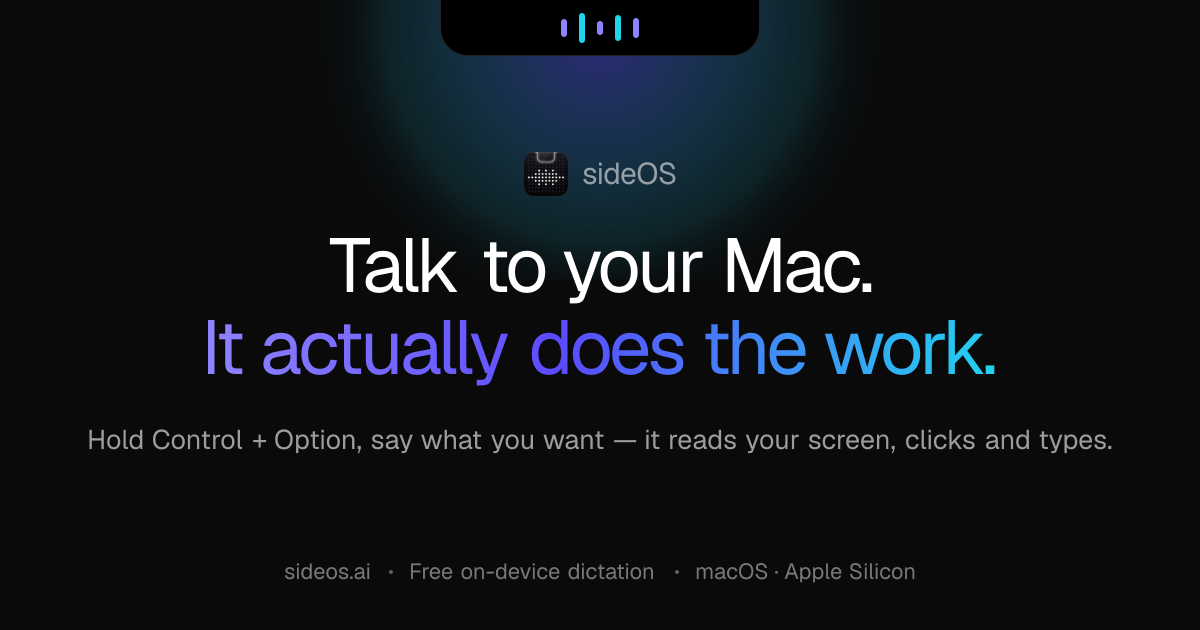
sideOS is an AI assistant for Mac that lives in the notch and carries out tasks on your computer when you speak to it.
You hold Control and Option, say what you want and let go. sideOS reads your screen through the accessibility tree, decides what to do, opens apps, clicks, types, presses key combinations and runs AppleScript, then tells you the result out loud. You can also draw on the screen while you talk to point at a specific region.
Key features include offline dictation into any app using macOS's own speech engines, background tasks that run in their own loop for jobs such as research reports, and meeting recording with on-device Whisper transcription, speaker separation, summaries and action items.
Reminders can be set by voice and can do work before they ring, such as preparing a daily news digest. Output from background tasks goes to a single folder, and any command that cannot be undone asks for your approval first.
It integrates with Gmail, Calendar, Notion, Slack and GitHub through one-click connections, and supports MCP servers and memory. Look-ups such as weather, news and rates are searched in the background without opening a browser window.
sideOS can run fully offline with local models, or with your own Claude, OpenAI, Gemini or Grok API key, so your data does not need to leave your machine.
Pricing: a one-off lifetime licence costs 89.90 US dollars for one Mac, including every future update, with no subscription. Model costs are paid directly to the provider, roughly 2 to 5 cents per command on the default models, or nothing when run locally.
It is suited to Mac users who want a private, voice-driven assistant for dictation, meetings, reminders and everyday computer tasks.
Similar tools to compare with sideOS:
| Tool | Pricing | Best for |
|---|---|---|
| Voilà | Freemium | Professionals who read and write a lot online and want an AI assistant for email, summaries and rewrites inside the brow... |
| Hiding AI | Free Trial | Job seekers and remote workers who want discreet AI notes, transcripts and answers on their desktop during video calls. |
| Flowith | Freemium | Creators and knowledge workers who prefer a visual canvas over a linear chat for working with several AI models. |
| NotebookLM | Freemium | Researchers, students and analysts who want to question and summarise a set of their own sources. |
| Riffo | Free | Anyone with cluttered Downloads or Desktop folders who wants screenshots, PDFs and exports renamed and sorted automatica... |
Own sideOS? Add this badge to your website.

Leave a review for the community
No Review Found